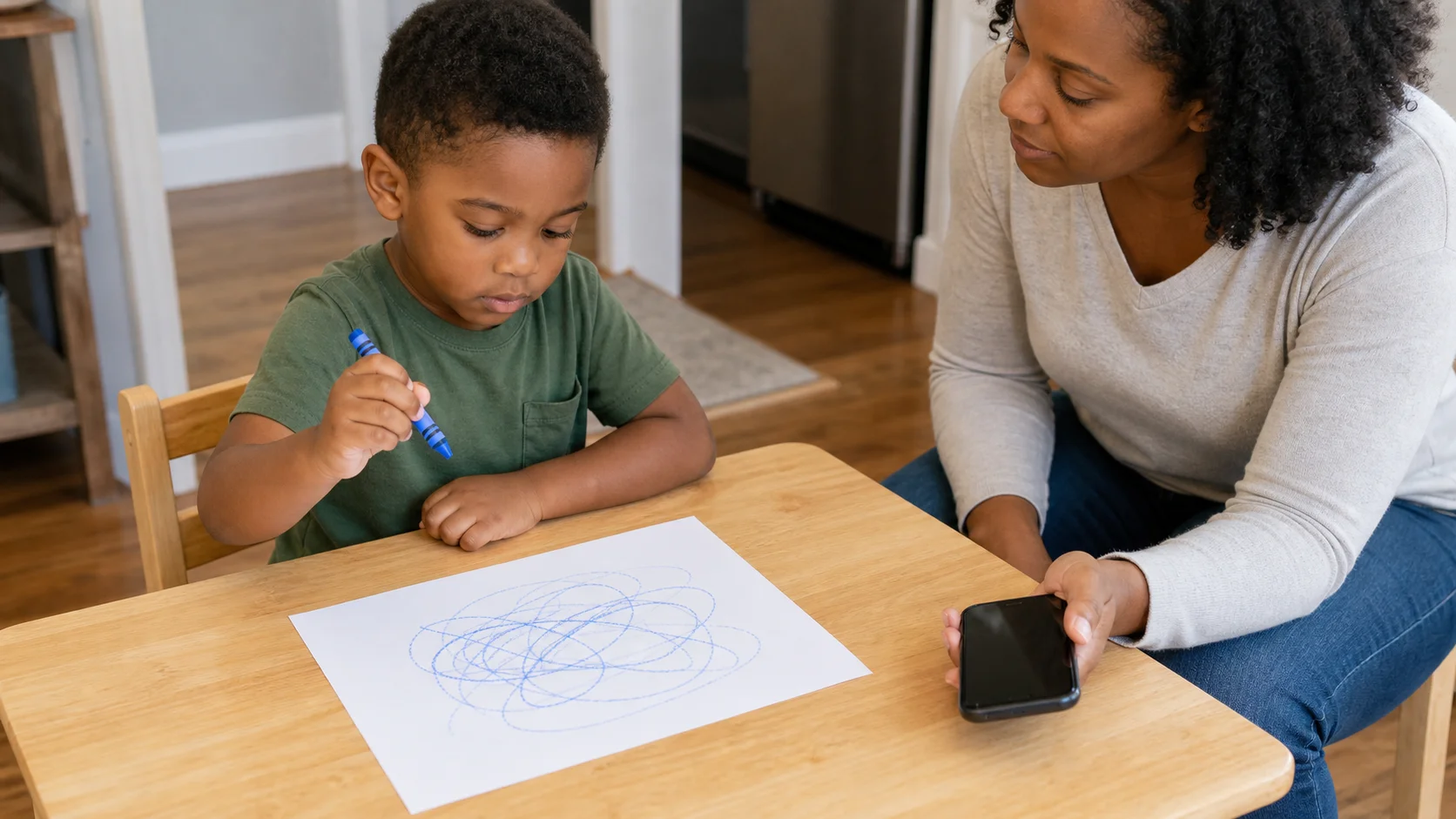
A child drawing on one sheet of paper while a grown-up nearby holds a phone ready to pause the music.
Fine motorPlace With ControlIndoor

Sound Freeze Drawing.

A one-page music drawing game helps your child practice drawing, freezing, and restarting without a big setup or mess.

Play time
5-10+ min
Age
3-5 years
Energy
Low
Mess
Low
Effort
Low
Where
Indoor
Start here

The recipe.

Low parent effort
5 things

What you need

  • 1 sheet of paper
  • 1 crayon or marker
  • 1 music source with a pause button
  • 1 child
  • 1 adult
5 min minimum

Setup

Then start the loop
Step 01
On a table or floor spot, lay 1 sheet of paper flat directly in front of your child and place 1 crayon or marker on the near edge so the first mark starts on the page.
Step 02
Beside you and outside the drawing space, keep the music source where you can start and pause it quickly.
Step 03
Sit with your child, trace the paper edge once, and show where the drawing stays before the first round.
"Music on."
The loop

How play unfolds.

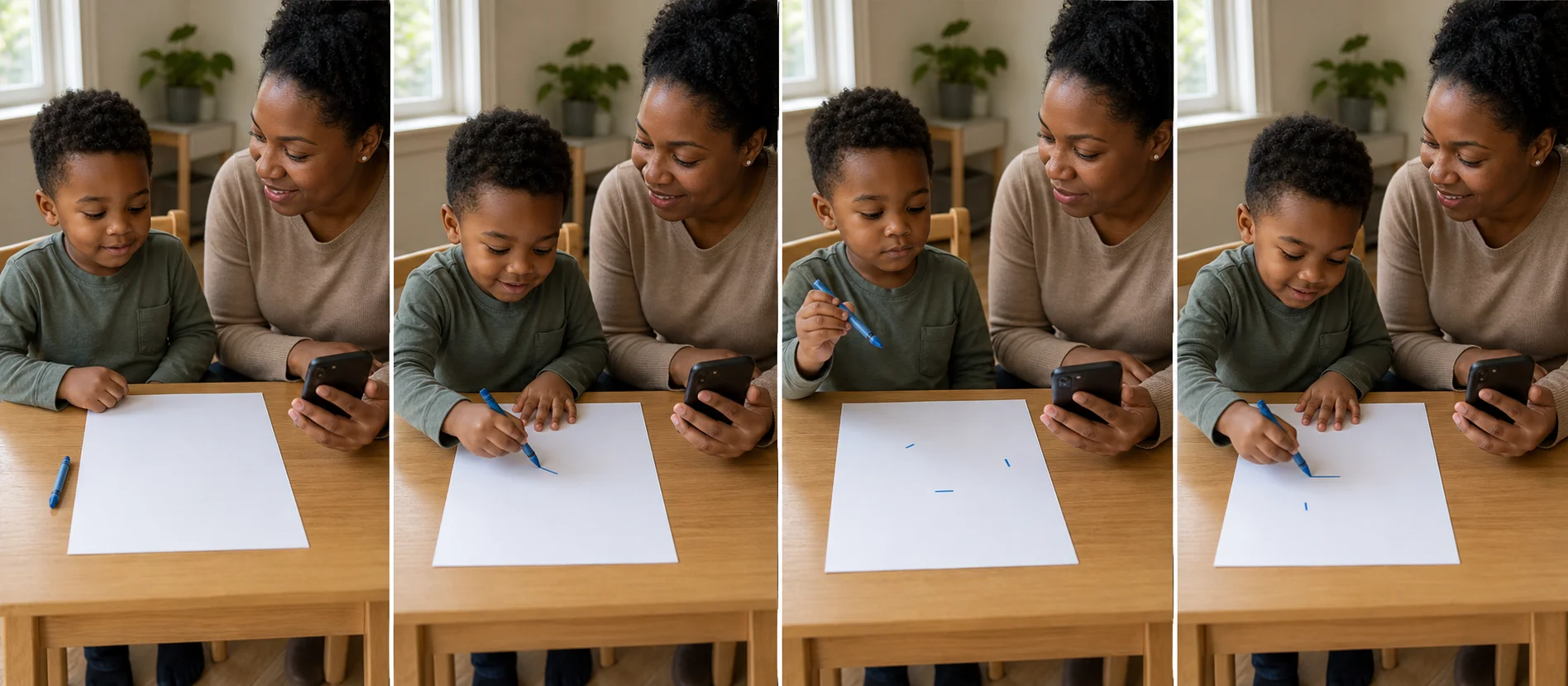
Four panels show music starting, the child drawing on one page, the grown-up pausing the music for a freeze, and the child starting again when the sound returns.
  1. 01
    Start the music and say, "Music on, draw. Music off, freeze."
  2. 02
    Let your child draw on the paper while the music plays.
  3. 03
    Pause the music so your child freezes the tool, then restart it for the next drawing turn.
  4. 04
    Repeat a few short draw-freeze rounds on the same page, then stop while the game still feels easy.

Safety Check

  • Stay close enough to supervise the drawing tool and keep the music at a comfortable volume for your child.
Supporting the play

What to say in the moment

Match what you say to what you see.

Prompt ladder
Level 1 (Start)
"Music on, draw."
Level 2 (Keep going)
"Music off, freeze."
Level 3 (Stretch)
"Music back on, start again."
Level 4 (Extend)
"Can you stop fast and start fast?"
If your child seems...
What you'd see
Focused
What to do
Say
"Nice stop. Start again."
Add
Use one quick prompt like "What comes next?"
Extend
Restart right away and point to one open part of the page so the rhythm keeps going.

Make it easier

Younger end
  • -Start each round with the drawing tool already touching the paper so there is no extra aiming step.
  • -Keep the next two rounds in the same part of the page so your child is not scanning for where to draw.
  • -Pair the music change with the same word cues every time, like "go" and "stop."

Make it harder

Older end
  • +Pause the music at different times so your child has to react instead of expecting the same count.
  • +Let your child find the next open drawing spot without your point or model.
  • +Ask your child to begin the new round away from the last mark while still staying on the same page.

If it's not working

If you see
If child ignores it
Do the first round together by holding the paper steady, making one line yourself, and inviting your child to take over when the music starts again.
If you see
If child misuses it
Shorten the round, pause sooner, and tap the paper edge again with "music off means freeze" if your child keeps drawing through the pause or drifts off the page.
If you see
If child gets frustrated
Run one very short round, praise one successful freeze, and stop there instead of pushing for more turns.
Skill spotlight
Tool Control

Controlling the drawing hand through start, stop, and restart cues

This helps your child control when the hand starts and stops, keep marks in one space, and stay with a simple drawing rule that carries into early tracing, copying, and other short table tasks.

  • The music cue gives your child a clear start and stop point instead of open-ended scribbling.
  • Freezing the tool on pause helps your child practice stopping the hand before marks slide off the page.
  • Restarting on the same sheet keeps the game predictable while still giving repeated tool-control practice.
Real-world transfer
  • Stopping a crayon, spoon, or other tool before it goes too far
  • Restarting a small hand job after a short pause
  • Handling early tracing or copy tasks that need start-and-stop control